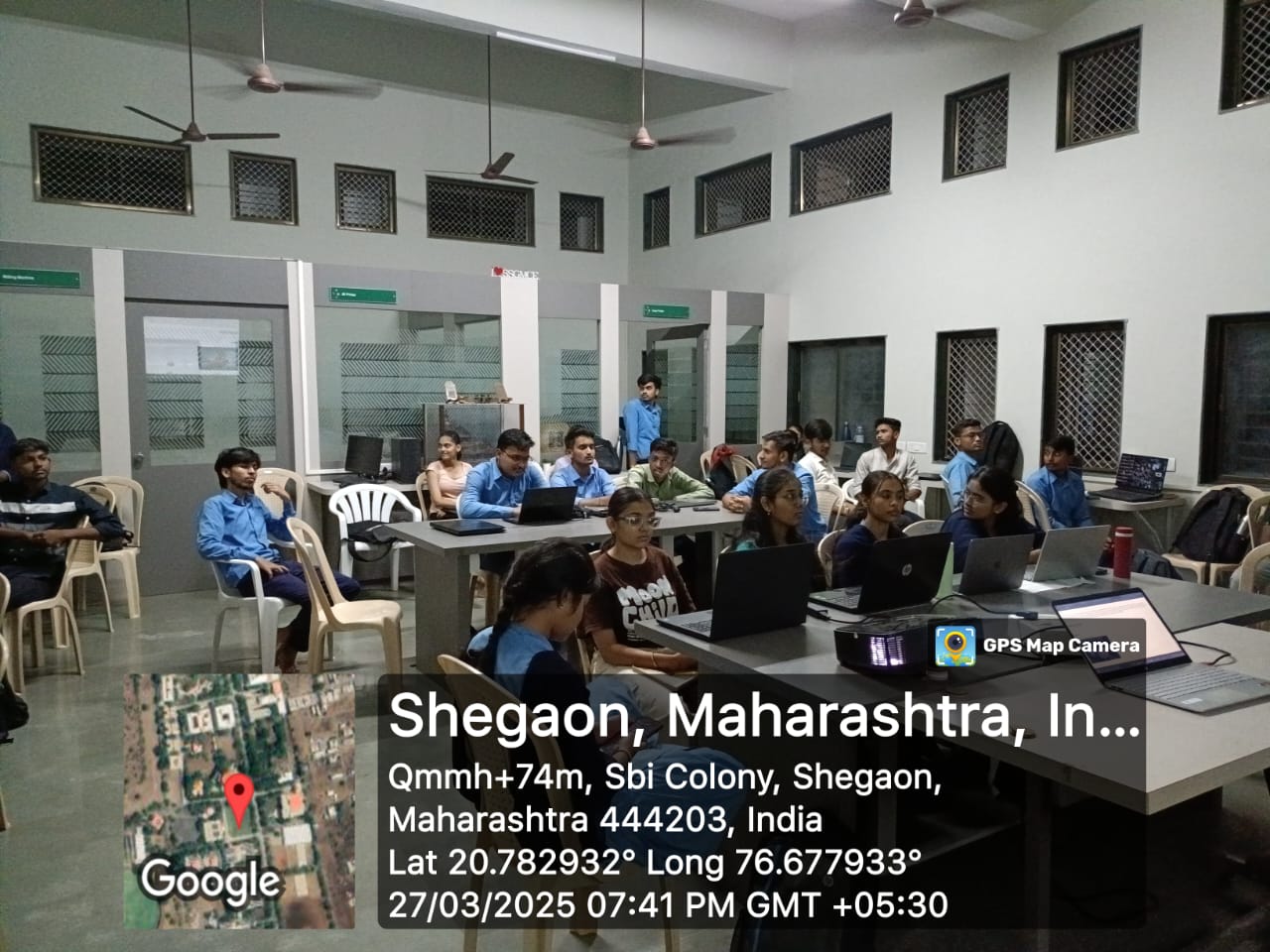
Web Development - 7 Day Documentation

day1

Day 1: HTML Basics

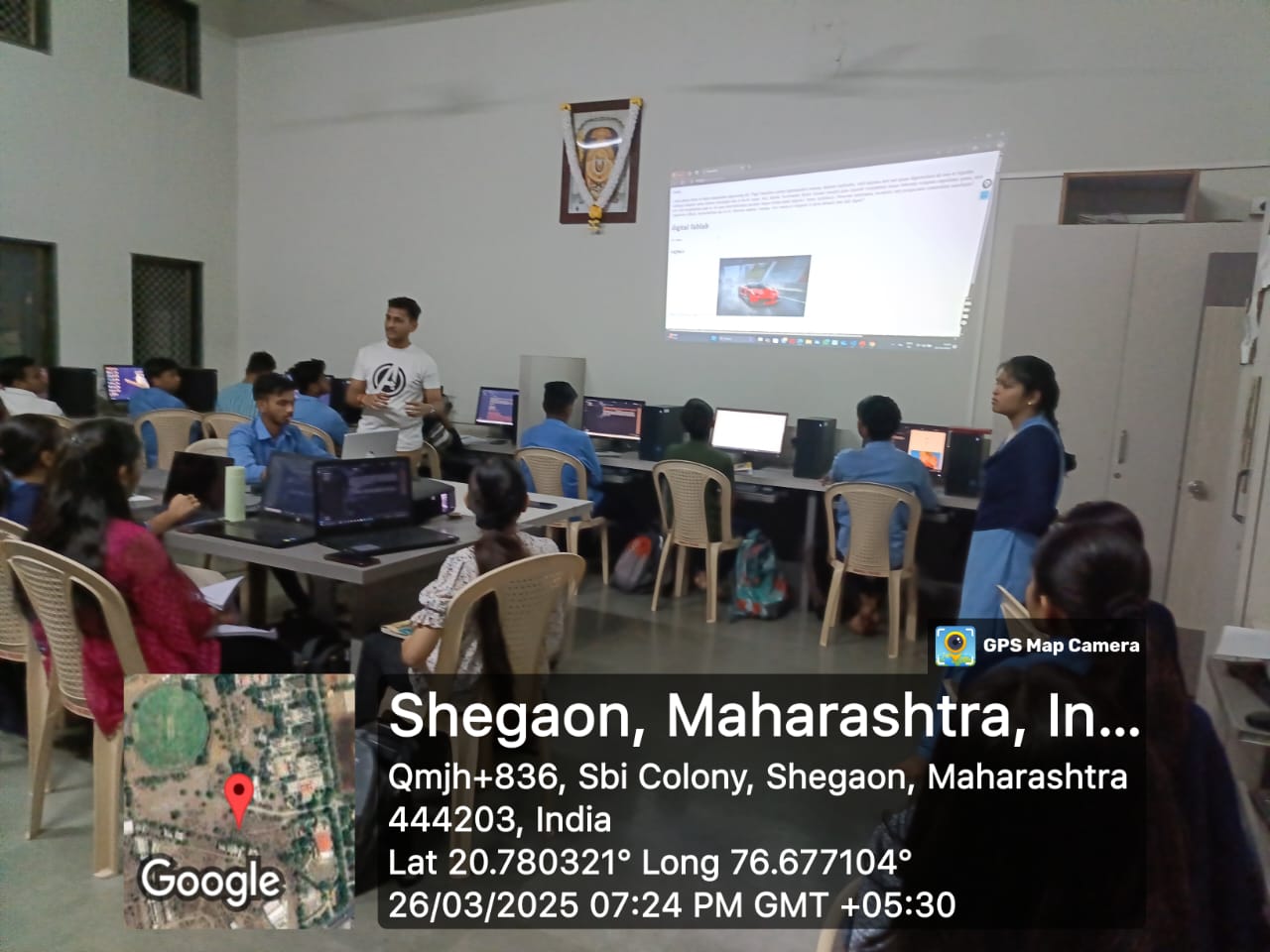
On the first day of our HTML class, we learned the basics of HTML (HyperText Markup Language), which is the foundation of web development. We understood the structure of an HTML document, including essential tags like <html>, <head>, and <body>. The instructor introduced us to headings, paragraphs, and how to create simple web pages using these elements. We also explored how to add line breaks and horizontal lines to format content. Additionally, we learned about the importance of proper indentation and syntax to ensure clean and readable code. The session provided a strong foundation for building web pages.
day2

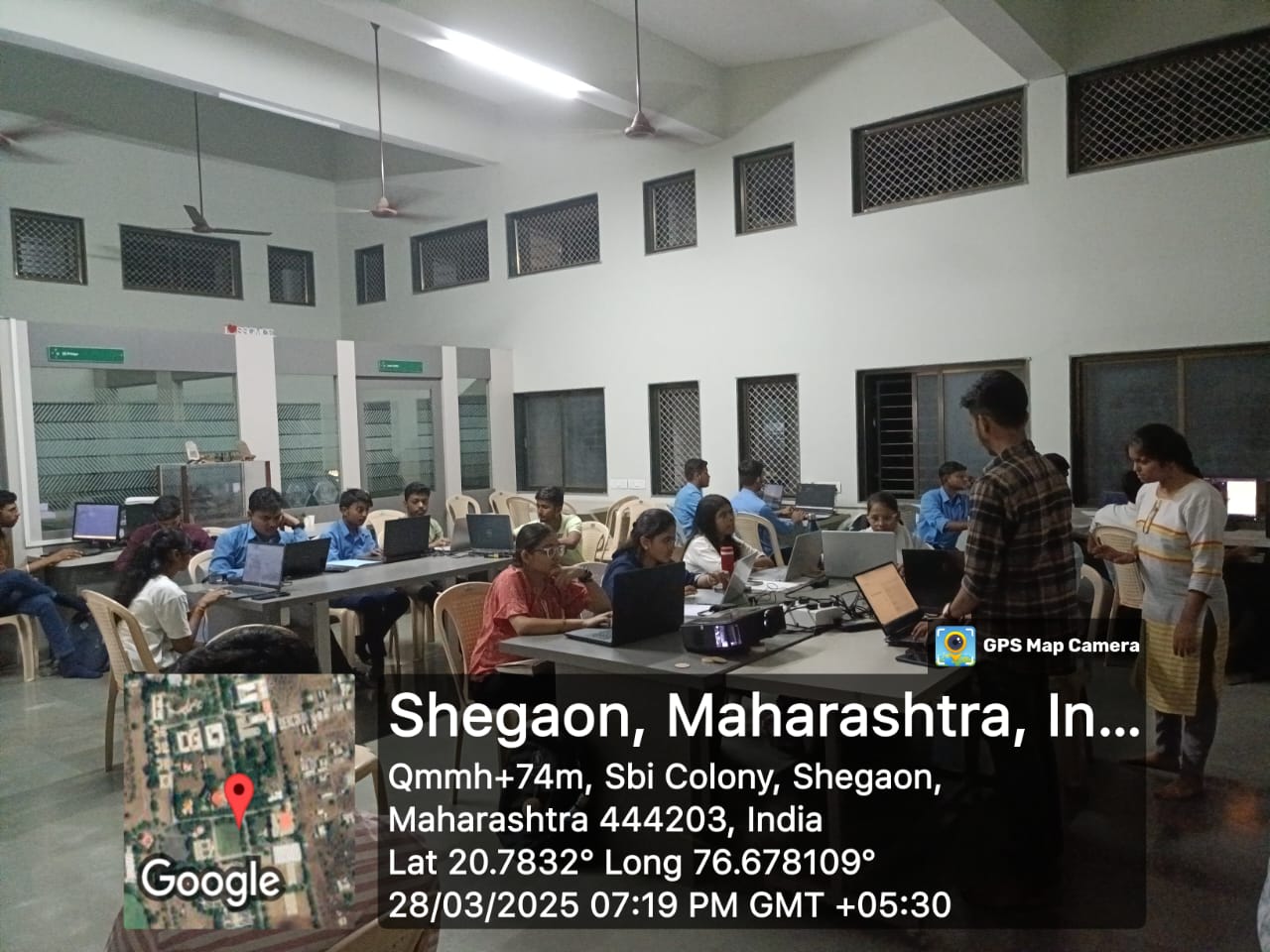
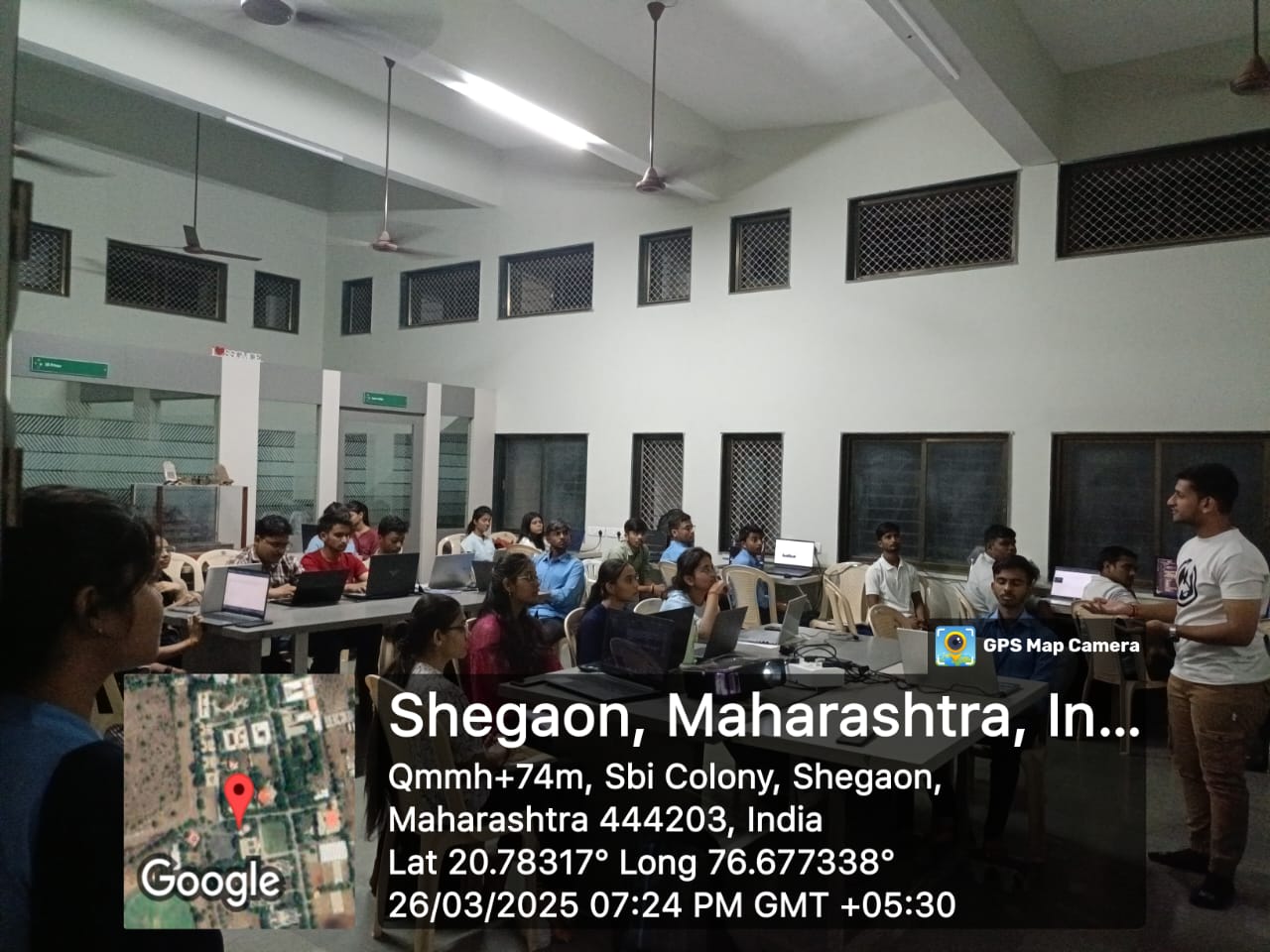
Day 2: Lists, Links & Images

We began by revising Day 1’s concepts. Then we explored how to use lists in HTML with <ul>, <ol>, and <li>. The class also covered how to add hyperlinks using the <a> tag with attributes like href and target. Next, we embedded images into web pages using the <img> tag and understood attributes like src, alt, and width/height. We also learned how to properly organize these elements within sections or divs.

day3

Day 3: CSS Introduction

Day 3 introduced us to Cascading Style Sheets (CSS). We learned about the three types of CSS: inline, internal, and external. The session focused on applying styles such as text color, background color, borders, padding, and margin using selectors and properties. We understood how to link a CSS file to HTML and explored the syntax and structure of CSS rules. This helped us start designing aesthetically pleasing web pages.

day4

Day 4: Box Model & Layout

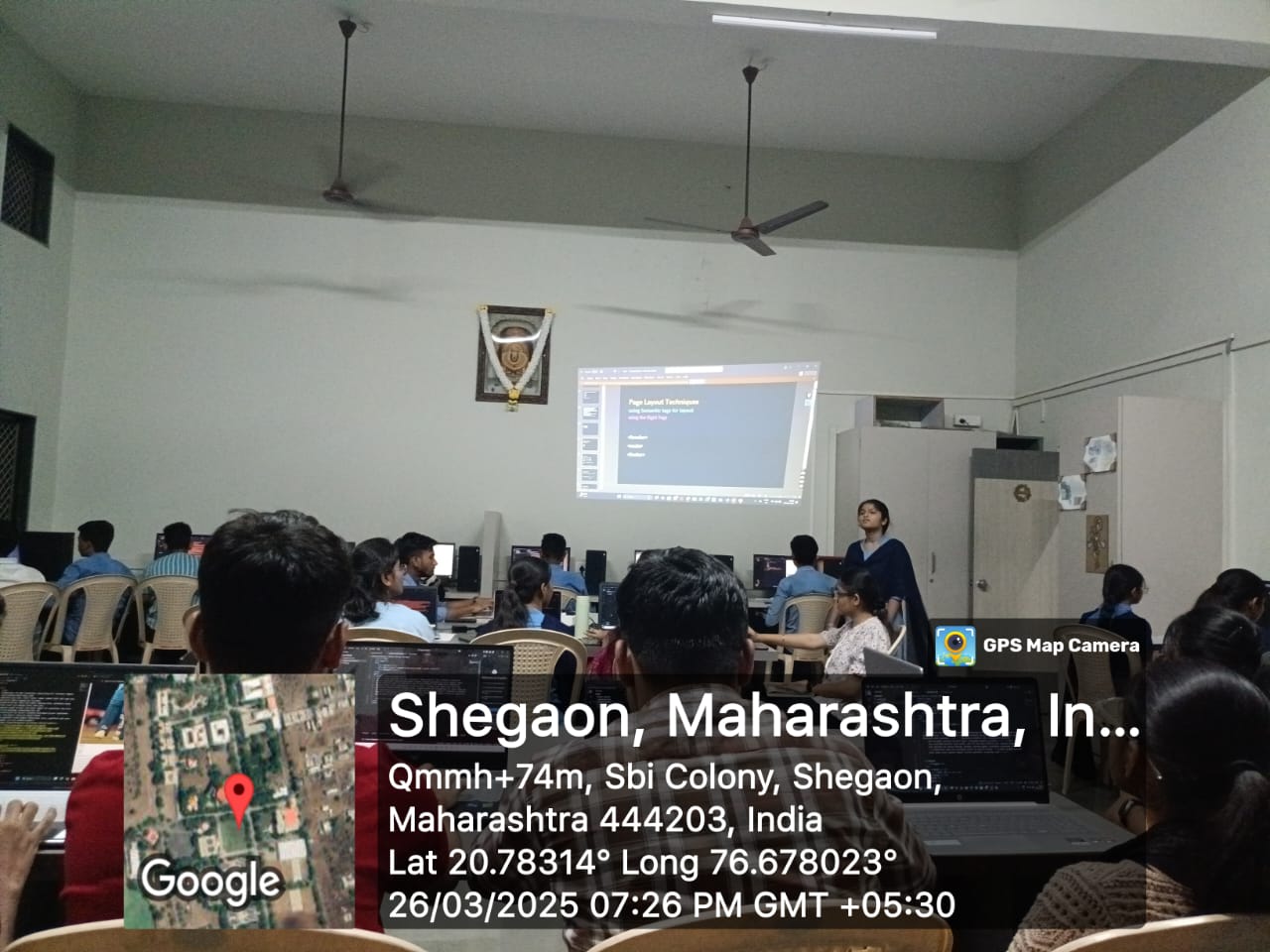
Today we explored the CSS Box Model, which includes content, padding, border, and margin. The instructor demonstrated how these elements affect the layout of an HTML page. We also started working with layout techniques like Flexbox for aligning and distributing elements in a responsive manner. It helped us understand how to make websites look good on different screen sizes.

day5

Day 5: Responsive Design

We focused on making our websites responsive using media queries. We practiced writing queries to adjust layout and font sizes for tablets and mobile devices. The class also introduced relative units like %, em, rem, vw, and vh. This helped us ensure our designs adapt well to various screen dimensions and resolutions.

day6

Day 6: JavaScript Basics

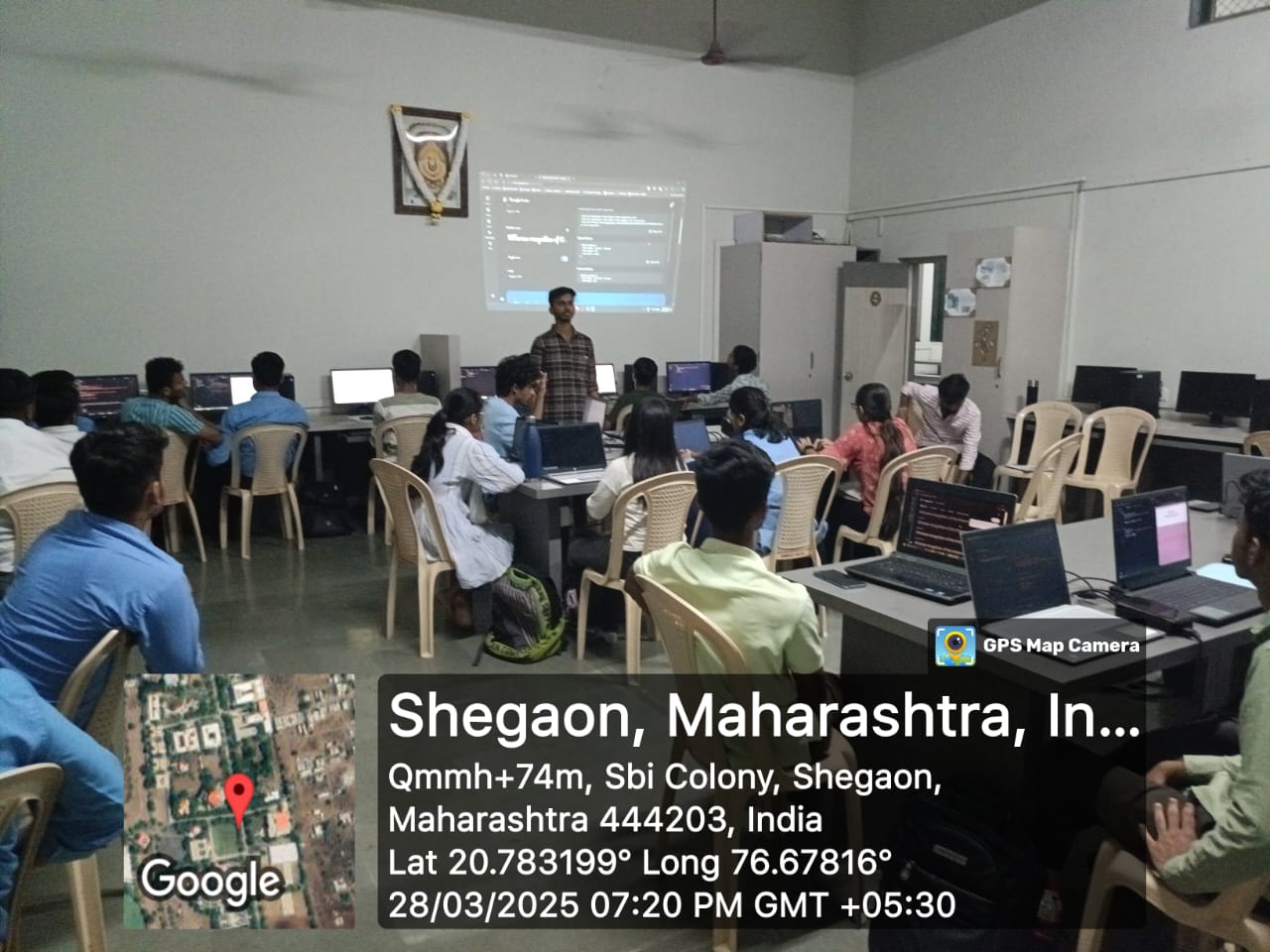
We took our first steps into JavaScript. The session began with basic syntax, variables, data types, and how to write and run JavaScript in the browser. We then moved on to using functions, if/else conditions, and loops. Lastly, we learned how to interact with HTML elements using DOM manipulation like changing text or responding to button clicks.

day7

Day 7: Final Project

We wrapped up the week by building a simple portfolio project. This involved creating a multi-section webpage with HTML, styling it using CSS, and adding interactivity with JavaScript. We applied everything we had learned over the past six days, resulting in a practical, functional, and responsive website that showcased our individual profiles and skills.

← Back to FABLAB Modules