Laser Cutting Module
Mentor:
Vansh Jaiswal
7-Day Learning Journey of Laser Cutting
Intro & Applications
- What is laser cutting?
- Types of lasers (CO2, Fiber, Diode)
- Common uses (wood, acrylic, etc.)
- Safety basics
Activity
List 5 laser-cut items.
Hardware & Software
- Laser cutter parts (laser tube, bed, exhaust, etc.)
- Software: LaserCad (version)
- Vector vs Raster, file types (.svg, .dxf)
Activity
Design a basic shape.
Design Basics
- Cut vs engrave setup
- Design tips for press fit
Activity
Small box design and engraving.
Materials & Settings
- Materials: wood, acrylic (types), paper, cardboard etc.
- Power/speed settings
- Testing cuts
Activity
Run a speed/power test grid on cardboard.
Operating the Laser
- Focusing, bed setup, air assist, exhaust
- Sending files, running job
- Safety checks (emergency stop)
Activity
Cut your first real design.
Project Day
- Make something useful (stand, box, 3D)
- File prep, nesting, assembly
Activity
Complete & document your project.
Review & Maintenance
- Common issues (burn, incomplete cut)
- Basic maintenance (cleaning, lens, mirrors)
- Project showcase
Activity
Present final work & reflect.
Day 1: Laser Cutting Basics
Introduction to Laser Cutting
In the FABLAB Laser Cutting module, we learned to operate a laser cutter for cutting cardboard to make project components.
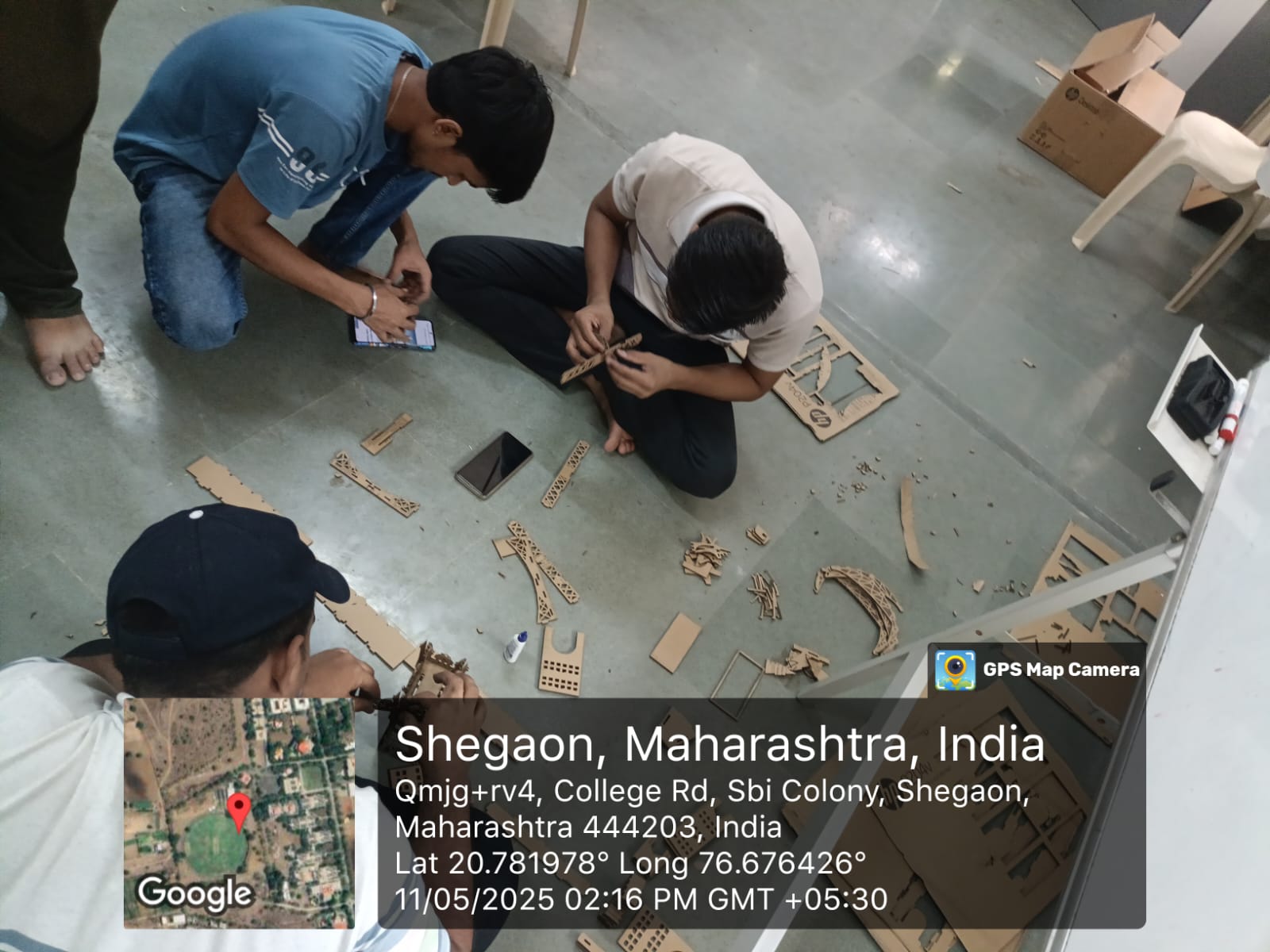
Key Learnings:
- Designed projects in vector software (CorelDRAW/Inkscape)
- Set cutting and engraving paths for precision
- Placed cardboard on machine bed and adjusted laser focus
- Configured parameters (power, speed) based on material thickness
- Followed safety protocols including ventilation and supervision
- Sent designs to the machine and observed precise cuts
- Gained hands-on experience in preparing and executing designs
Vector Design
Creating precise designs in software like CorelDRAW or Inkscape for laser cutting.
Machine Setup
Properly configuring the laser cutter for different materials and thicknesses.
Safety Protocols
Essential safety measures when operating laser cutting equipment.
Day 2: Ship Project
Team Project: Ship Model
The next day of the FABLAB Laser Cutting module was focused on a mini project, where our 3-member team designed and created a ship model using the laser cutter.
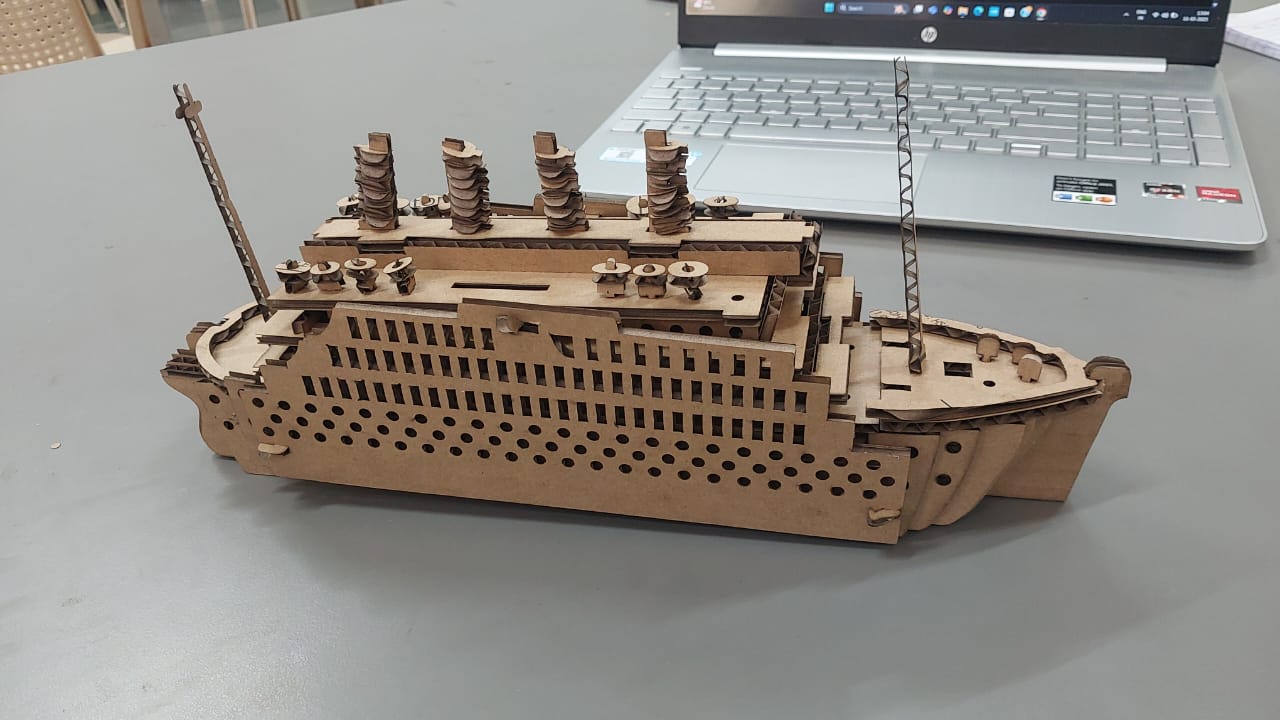
Project Steps:
- Sketching and designing the ship's parts in vector design software
- Ensuring all pieces fit together accurately with proper joints
- Setting appropriate cutting parameters for cardboard material
- Loading the material into the laser cutting machine
- Precisely cutting out each component with the laser cutter
- Assembling the cut pieces to form the complete ship model
- Evaluating the final product and making adjustments if needed
Skills Developed:
Design for Assembly
Creating parts that fit together precisely for easy assembly.
Team Collaboration
Working effectively in a team to complete a project.
Assembly Techniques
Methods for assembling laser-cut components into a final product.
Project Gallery
Laser Cutting Results
Here are some additional pictures from our laser cutting module, showcasing the process and results.
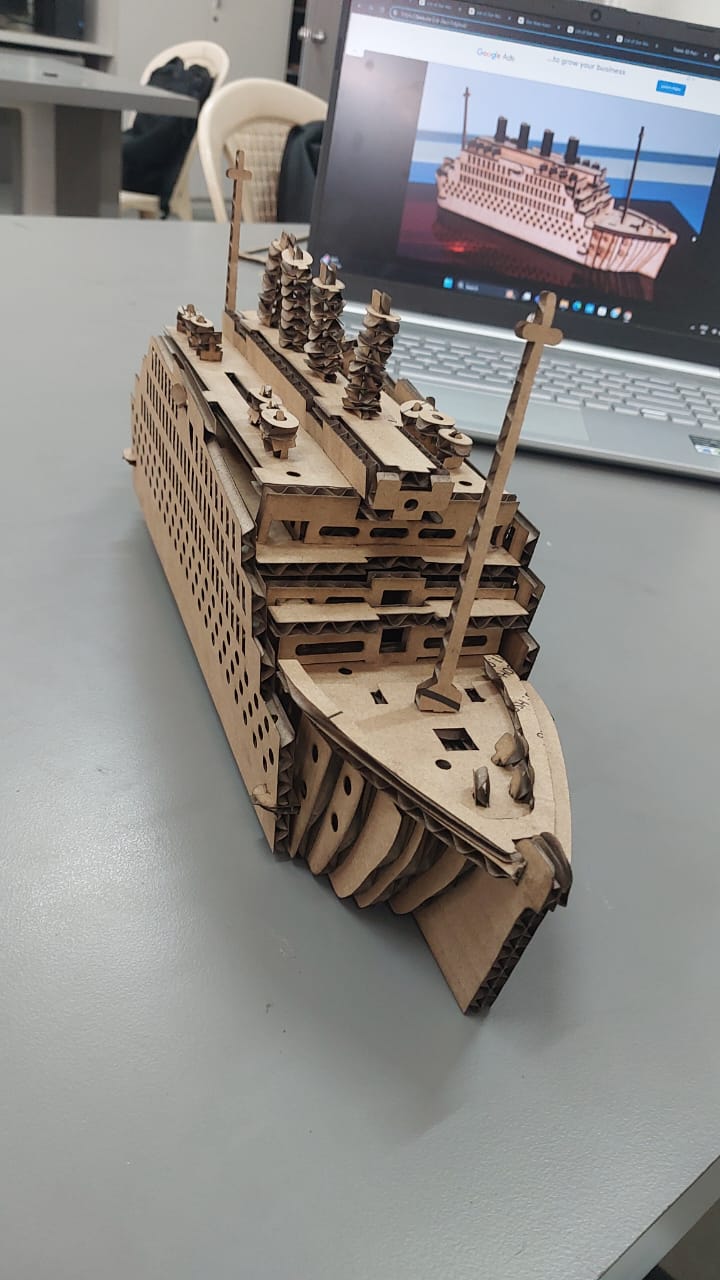
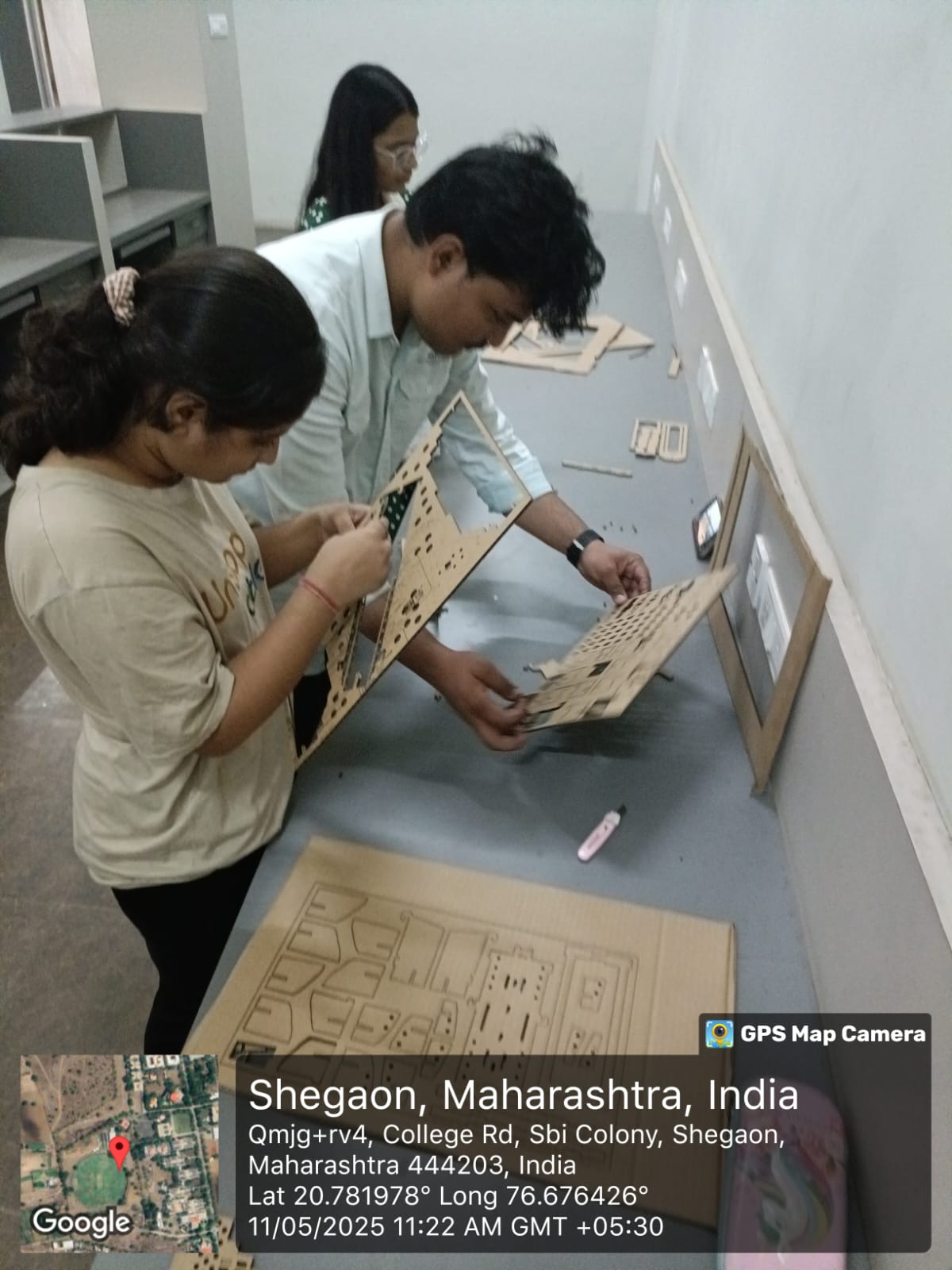
What We Achieved:
- Successfully designed vector files for laser cutting
- Operated the laser cutter safely and effectively
- Produced precise cuts in cardboard material
- Created a complete ship model through team collaboration
- Gained hands-on experience with the complete laser cutting workflow
- Learned to troubleshoot common laser cutting issues
Additional Resources
Further Learning
Expand your laser cutting knowledge with these recommended resources.
Recommended Books
• "Laser Cutting for Beginners" by Harold A. Stewart
• "Digital Fabrication with Laser Cutters" by Sarah E. Brown
• "The Laser Cutter Handbook" by Michael J. Roberts
Online Resources
• Instructables Laser Cutting Guides
• CorelDRAW Tutorials for Laser Cutting
• Inkscape for Laser Cutting Documentation
• Laser Cutting Parameter Databases
Design Resources
• Boxes.py - Parametric box generator
• MakerCase - Easy box design tool
• LibreLaser - Laser cutting software
• RDWorks - Laser cutting control software