CAD Module - 6 Days Documentation

Mentor:

Swayam Dhamode

A comprehensive journey through Computer-Aided Design with Fusion 360

Day 1 - Basic Modeling

Day 1: Introduction and Basic Modelling

As a learner on Day 1 of the CAD module, I began by installing and setting up Fusion 360, downloading it from the official Autodesk website and registering with an educational license to unlock all its features.

Software Setup UI Navigation Basic Tools

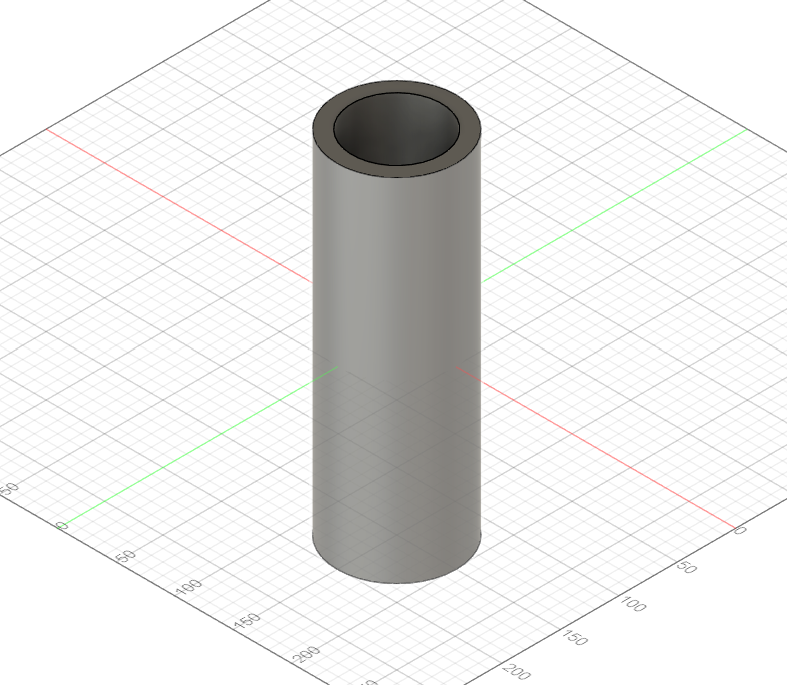
Once the software was ready, I explored the user interface, getting familiar with key components like the Data Panel, Toolbar, Browser, Canvas, Navigation Bar, and ViewCube. For the hands-on practical, I created a solid cylinder by sketching a circle and extruding it, then transformed it into a pipe by cutting out an inner concentric circle.

Tools Learned:

Sketch Extrude Shell Fillet
Day 2 - Sketching

Day 2: Sketching and Basic Features

On Day 2, I focused on the basics of 2D sketching, which forms the foundation for all 3D models. I explored essential sketch commands including Line, Circle, and Rectangle, learning how to accurately construct shapes and define geometry.

2D Sketching Dimensions Patterns Engineering Drawings

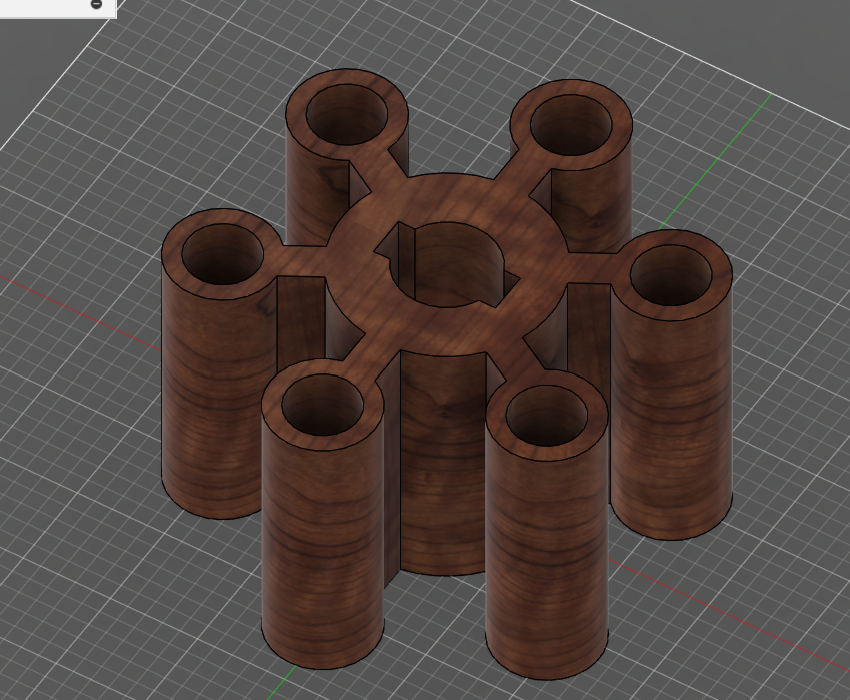
I practiced applying Sketch Dimensions to control sizes precisely and used Circular and Rectangular Pattern tools to efficiently replicate features. I was introduced to the Engineering Drawing environment where I learned how to generate technical drawings from 3D models.

Tools Learned:

Line/Circle/Rectangle Dimensions Patterns Extrude/Revolve
Day 3 - Intermediate Modelling

Day 3: Intermediate Modelling and Referencing

On Day 3, I learned how to use reference images effectively by importing them into Fusion 360 using the Canvas feature, which allowed me to visually trace and model over a real-world object.

Reference Images Canvas Constraints Components

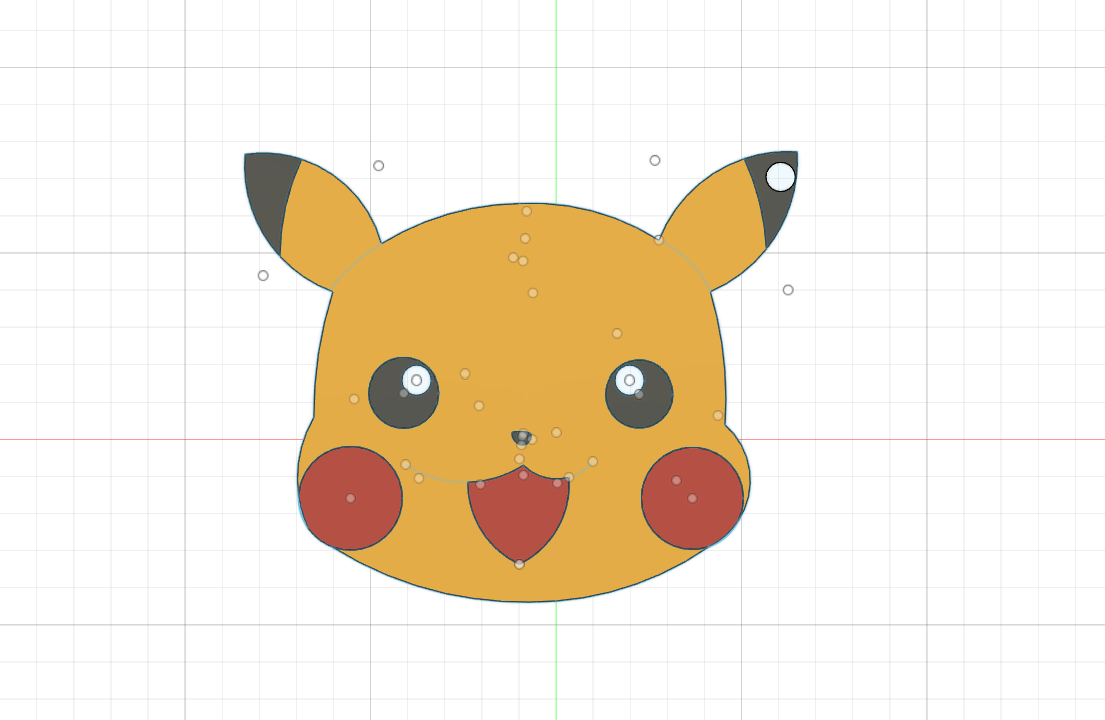
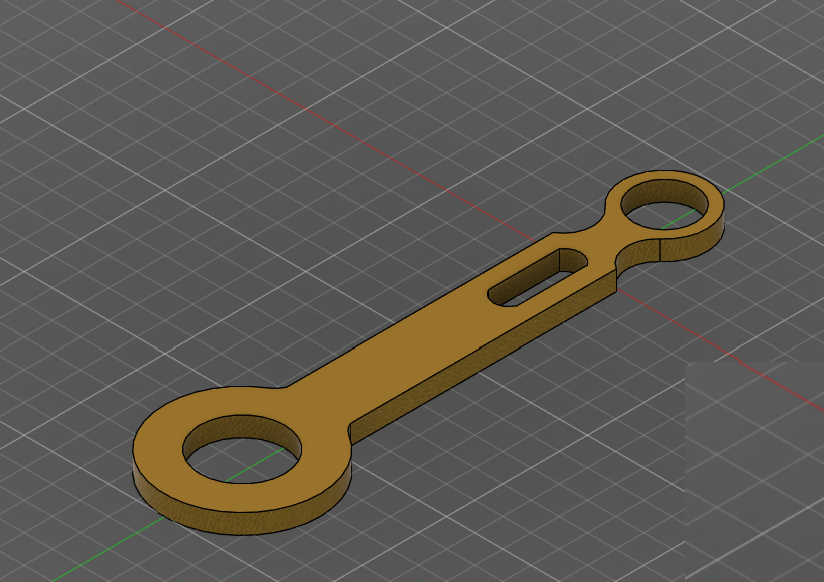
This skill was put into practice through a fun project: designing a Pikachu-themed kitchen tool. I also modeled a piston and connecting rod assembly, using constraints like Equal, Vertical/Horizontal to maintain consistent geometry. I learned about Component Structuring and how to edit features using the Timeline.

Tools Learned:

Canvas Constraints Revolve Hole Appearance
Day 4 - Advanced Modelling

Day 4: Advanced Modelling and Assembly

On Day 4, I learned how to upload and manage projects on Fusion 360's cloud platform. The day's practical focused on designing an electric vehicle (EV) motor casing, which introduced me to a range of advanced modeling commands.

Cloud Management Advanced Features Bodies vs Components Assembly Techniques

I used Shell to hollow out solid bodies, Offset in Extrude to control thickness, and combined operations like Join and Cut. I applied Fillet to round edges, added realistic Threads, and explored the difference between bodies and components for assembly workflows.

Tools Learned:

Shell Offset Join/Cut Fillet Thread
Day 5 - Revision Practice

Day 5: Revision Practice and Extra Tools

On Day 5, I began with a recap of essential sketch and solid modeling commands. The practical tasks were both creative and technical: modeling a plastic bottle, creating hexagonal and triangular pipes, and experimenting with engraving text onto solid bodies.

Command Recap Construction Planes McMaster-Carr Library Rendering & Simulation

I explored construction planes for non-standard orientations and learned advanced features like Loft, Torus, Sphere, and Coil. I imported standard parts from the McMaster-Carr library and customized my workspace settings. The day concluded with an introduction to Rendering and Simulation environments.

Tools Learned:

Loft Coil Construction Planes Text Engraving Appearance
Day 6 - Review Session

Day 6: Review and Feedback Session

On Day 6, I had the opportunity to revisit and clarify doubts from previous sessions. Challenges in modifying features, applying constraints, aligning components, and managing appearances were addressed through detailed explanations.

Q&A Session Troubleshooting Feedback Collection Future Learning

We had an open Q&A round where I could ask specific questions about tools I struggled with. Instructors collected feedback and suggestions, and we discussed future learning opportunities in CAD, including simulation, generative design, and complex technical drawings.

Session Focus:

Problem Solving Best Practices Workflow Optimization Future Pathways
Back to FABLAB Modules